HTML basics for small resource sites
HTML is forgiving. A page will render even if half of it is wrong. That is part of why the web spread, and it is also why so many small sites quietly accumulate problems that only show up later. This page is a short pass at what to get right early so the rest of the maintenance is cheap.
The aim is not full coverage of every tag. The aim is a clean skeleton that holds up.
For full reference material, the Mozilla documentation page on getting started with HTML is the cleanest place to start.
The shape of a page
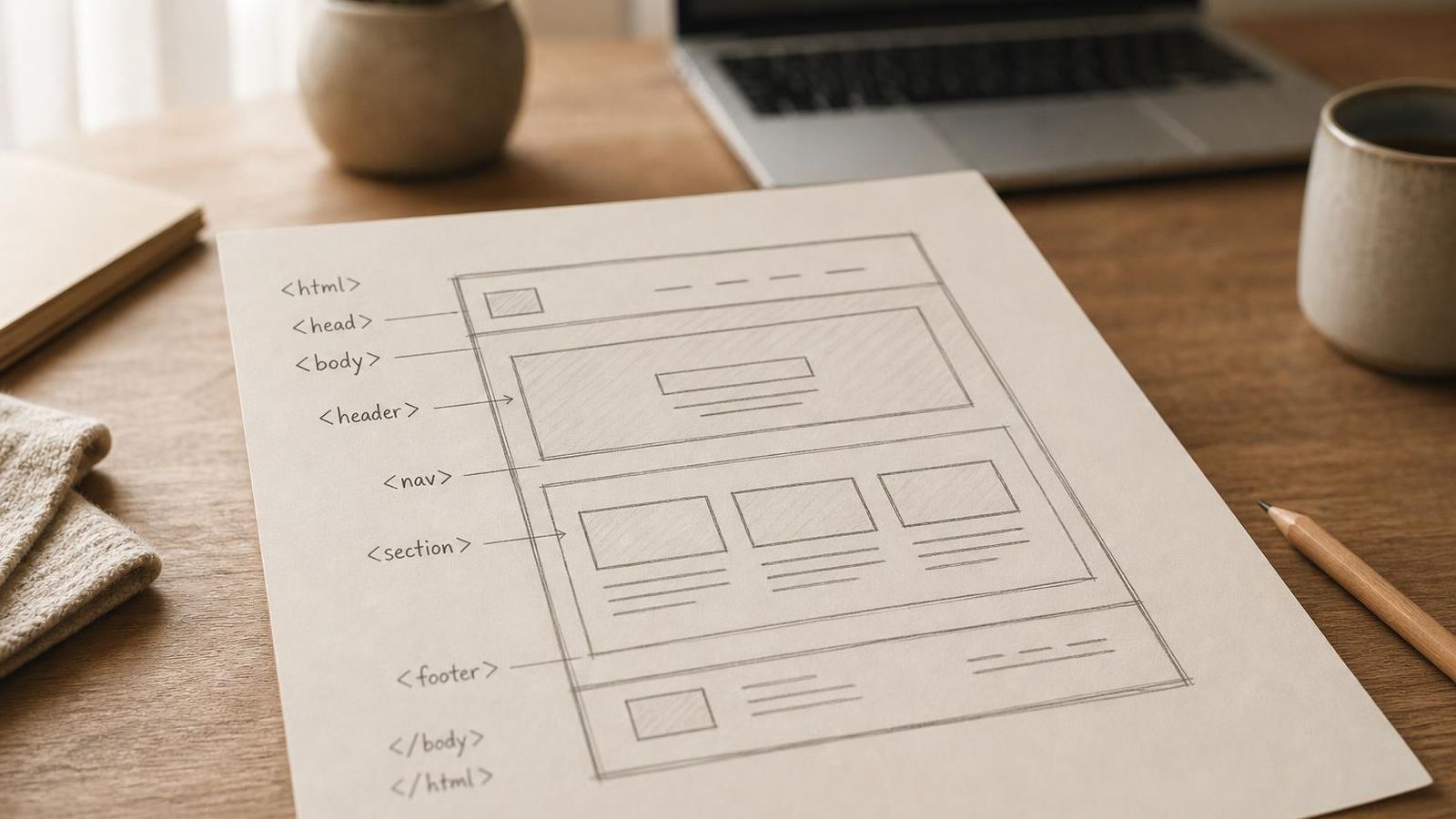
A working HTML page has, in order:
- A
<!doctype html>declaration. - A
<head>containing a title, a viewport meta, and a description. - A
<body>with one<h1>, then the content, then the navigation footer.
Three rules that save trouble later:
- one
<h1>per page, naming the topic - use
<h2>and<h3>for real subheadings, not for styling - write links with descriptive text, not "click here"
Headings as structure
Headings are not a font feature. They are how a screen reader, a search engine and a casual scanner build a picture of the page. Skipping from <h1> to <h3> because the size happens to look right will hurt accessibility and discoverability. Pick the level by what the section is doing, not by how big you want the text.
Links that mean something
A link should describe its destination in its own words. "Learn more" tells the reader nothing without surrounding context. "Read the radio bench notes" tells them where they are going before they get there. This matters for both readers and indexers.
Inside the same library, prefer relative links. They survive moves, mirror setups, and local previews better than absolute URLs.
Images that do not break the page
Three small habits make image work easier:
- always include
alttext describing what the image shows - always include
widthandheightso the layout does not jump on load - keep file sizes sensible - a hero image at 1600 wide and 250 KB is fine; the same image at 3 MB is not
Forms - only when needed
Most small resource sites do not need a form. If you do add one, label every field, and do not rely on placeholder text as a label.
Common mistakes
- using
<div>for everything when a semantic element exists - skipping heading levels
- vague link text repeated across the page
- images with no
altattribute - inline styles scattered through the page
Two-minute checklist
- One
<h1>per page. - Heading levels follow the structure.
- Link text describes the destination.
- Images have alt, width and height.
- Use semantic elements where they exist.